Silicone mold boxes
One-piece silicone mold box
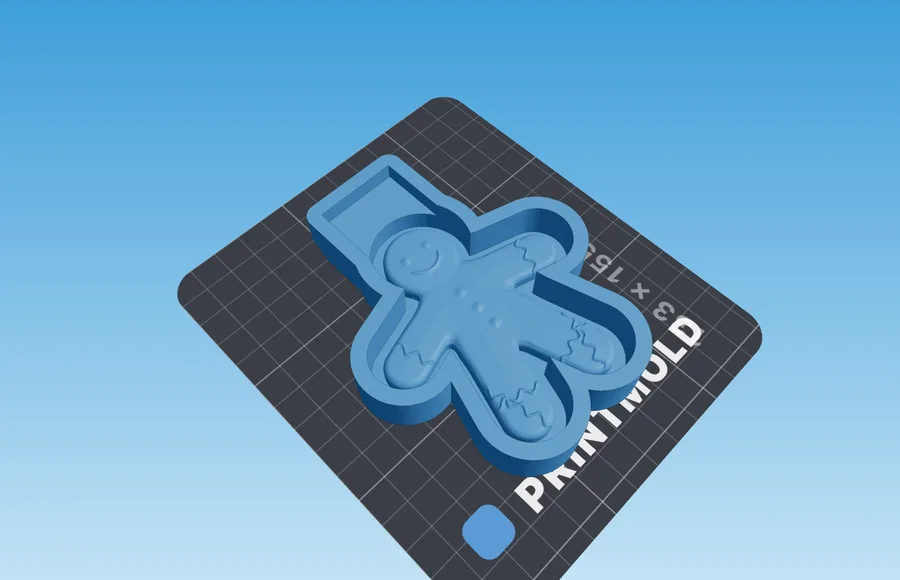
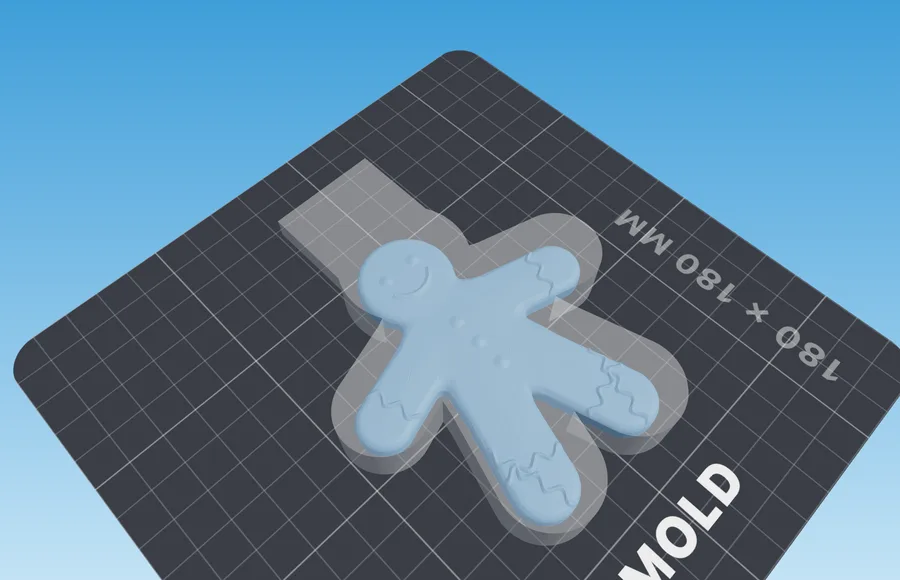
Builds a printable box around your model as a single part: walls, floor and model print together, so there is nothing to assemble or seal. Pour silicone, and a day later pull the mold out by its tab — the casting volume is already molded on it. The file is sent only for the computation and is not stored.
- Input: Model
- Output: Box with the model as one part
Building a mold and looking it over needs no account. Signing in is only required to download.
What you get
- A box in one part: walls, floor and model print together. No seams for silicone to leak through, and no clamps either.
- A pocket by the wall at the pour level: silicone fills it by itself, and the mold comes out with a tab to pull it from the box.
- The casting volume is cut mirrored into the pocket floor — on the tab of the finished mold it stands out as raised digits, so the mold remembers how much to pour.
- The box edge sits at the pour level: pour flush with it, and the layer above the model comes out exactly as planned.
How it works
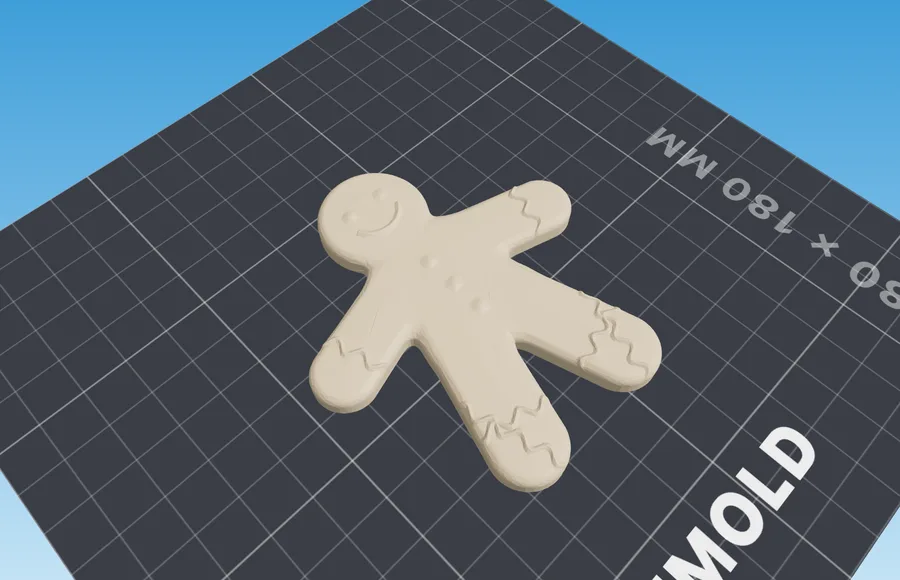
- 1Upload the masterA model with a flat base — the one you will be casting copies of. The mold comes off it upwards through the opening left by the base, so the base must be the widest cross-section.
- 2Set the silicone layerContoured follows the outline of the model with a 6 mm layer. A box or cylinder takes 12 mm at the sides. On top it is 7 mm. The panel works out both the silicone you need and the volume of the future casting.
- 3Print, pour, pull outPrint the box standing on its floor, no supports. Coat the walls and the model with release agent and pour silicone flush with the edge. A day later pull the mold upwards by the tab.
Material and process
What to keep in mind before pouring
| Setting | Value | Why |
|---|---|---|
| Silicone layer | 6 mm contoured; 12 mm for a box or cylinder | A thin mold tears when you take it off, a thick one just costs more. A box measures the layer from the bounding size, so the corners come out thicker |
| Release agent | Required, on the walls and the model | The box does not come apart: the mold is pulled out whole, and silicone stuck to PLA will not let go |
| Pour level | Up to the box edge | The edge sits at the planned thickness above the model; the pocket by the wall fills together with the rest of the pour |
| Model | The base is the widest cross-section | The mold comes off upwards through the opening left by the base: anything wider than it will hold the mold on the model |
Slicer settings are the same for every mold and live on their own page: how to print molds
If something went wrong
Symptom, and what to change
- The mold will not come out of the box
- Friction and suction under the block hold it: coat the walls with more release agent and pull the tab slowly, rocking it.
- The mold will not come off the model
- The model is wider than its base, and the mold catches on it. Stand it on its widest cross-section — or use /silicone-mold with a closed bottom.
- Silicone seeped under the master
- The master was printed separately, and its seat has a joint. Print it fused to the box — there is nowhere to seep.
- The digits on the tab are unreadable
- The digits are cut 0.6 mm deep: print the box floor at 0.2 mm layers, thicker layers blur them.
Questions
Good to know
How do I get the mold out of the box?
Coat the walls and the model with release agent before pouring. Silicone fills the pocket by the wall level with the rest of the pour, and the mold gets a tab. Once the silicone has set, pull the tab upwards: the mold leaves the box and comes off the model through the opening left by the base at the same time.
Which of the parts do I print?
One part — the box with the model inside. If you pick Perimeter, Pins or Glue under How to print the master, the model comes out as a separate part: you can print it on another printer or at another layer height and then seat it in the box floor.
Which models suit it?
Ones with a flat base that is also the widest cross-section: soap, candles, figurines on a stand. The mold comes off upwards through the opening left by the base, and anything wider than it holds the mold on the model. If your model is wider than its base, the multi-part box /silicone-mold with a closed bottom is the better choice.
Does my model go to your server?
It does — but only for the computation. We do not store it: no archives, no copies. Until you press Generate, the file does not leave your browser.