A plaster mold for slip casting. The model is cut into sections, and each section gets printed formwork: a tray with the model fused into it, walls and clamps. The cured plaster blocks go together into the mold.
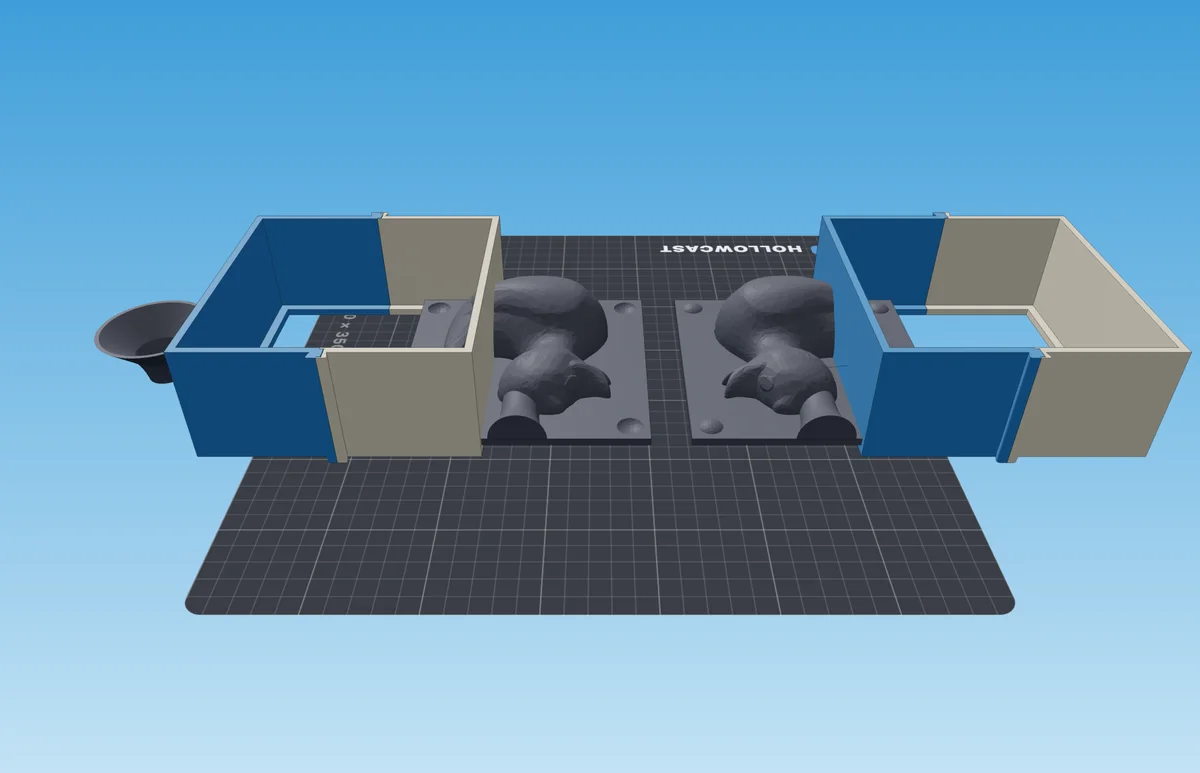
- 1Funnel
- 2Walls
- 3Tray with the model — one per mold section
At a glance
| What | How |
|---|---|
| Good for | A ceramic vase, bowl or figurine — slip casting |
| What to print | For each mold section — a tray with the model, walls and clamps; one funnel per kit |
| Mold sections | 2 by default, 3 or 4 if needed |
| You will need | Pottery plaster, release agent, scales, a bucket for mixing, slip |
| Pours | Two: first plaster into the formwork, then slip into the plaster mold |
Will your model work
| Model | Works? | Why |
|---|---|---|
| A vase, a bowl | Yes | Walls with draft — the slip releases from the plaster on its own |
| Straight vertical walls | No | It needs at least 3° of draft, or the casting won't come out |
| Side undercuts | With a caveat | Use 3–4 sections — each comes off in its own direction |
To get the files for printing:
Load the model
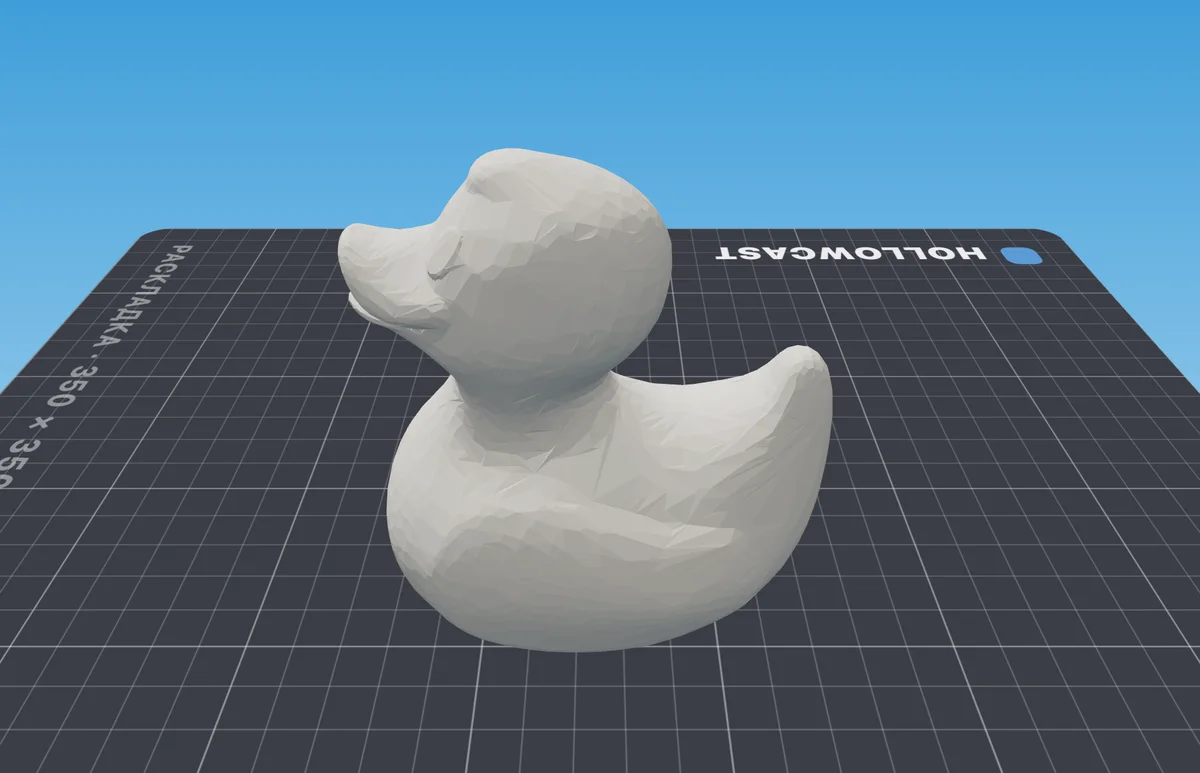
Drop an STL, OBJ or 3MF into the window. To try it out, load the example — a duck.
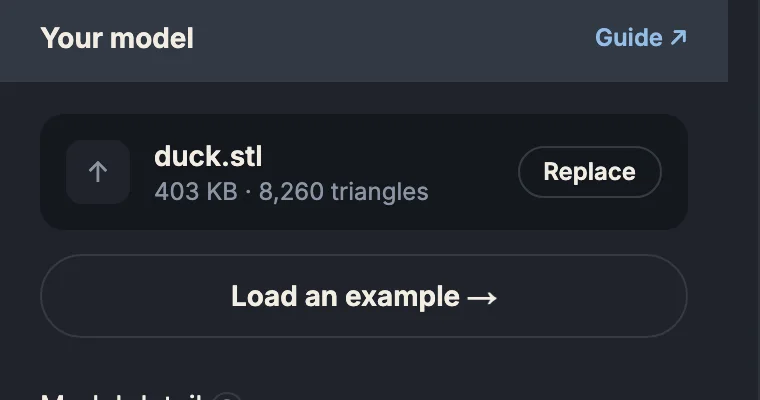
- 1The loaded file — “Replace” to pick another
- 2An example, if you don't have a model yet
Check how the model stands
The model should stand on its base on the bed: the pour hole goes through the top. The transparent plane is the seam between mold sections. Rotate the model, not the plane.
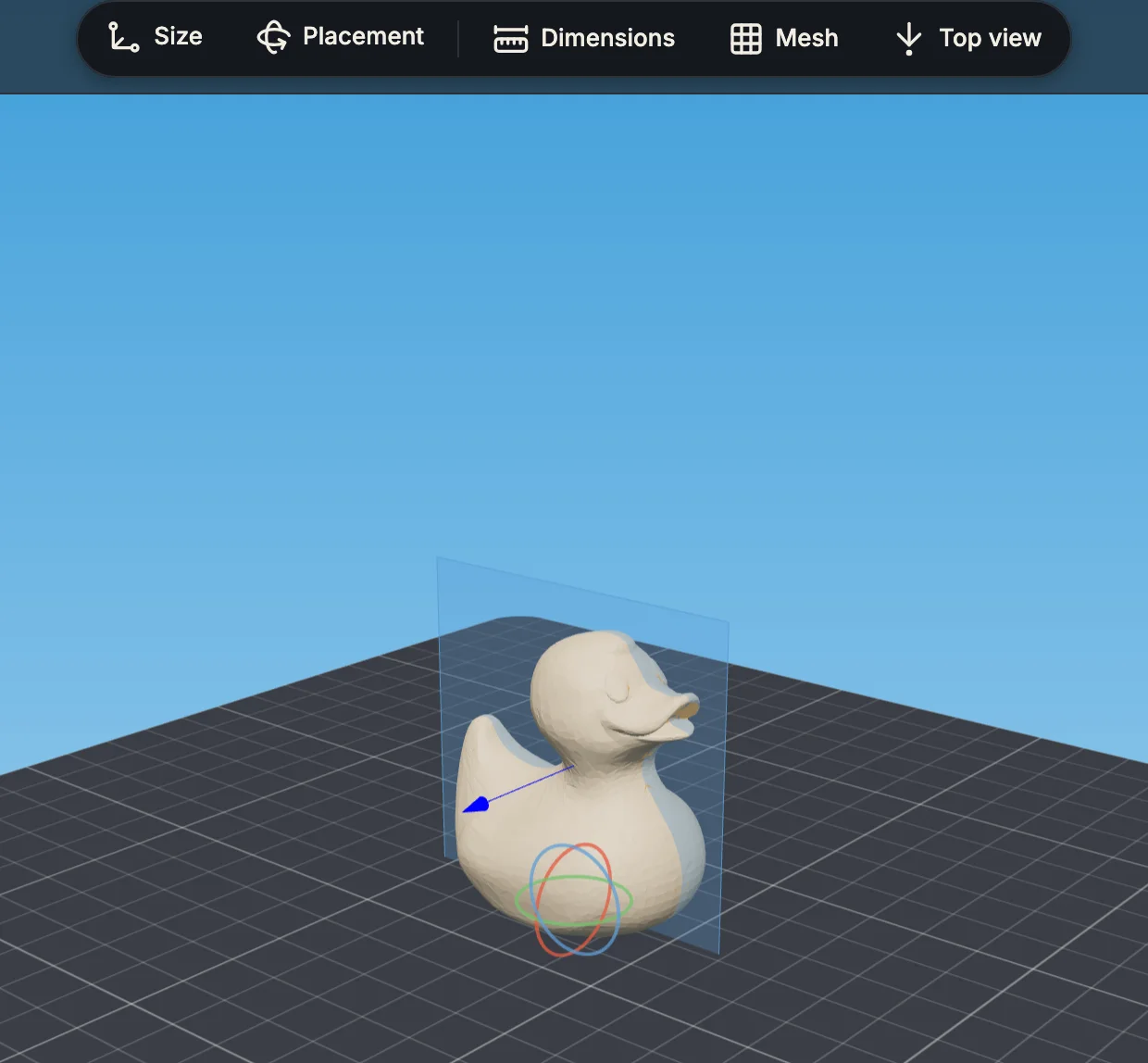
- 1“Placement” — if the model lies on its side
- 2Seam plane
- 3The model stands on its base
Pick what you will cast
Slip — the mold grows by the clay's shrinkage. Plaster and Concrete — for castings that don't shrink.

Click “Generate the set”
The build runs on the server and takes from a few seconds to a minute.

Check the result
Above the view: how much plaster to mix for the whole mold.

The tabs under the view show the formwork for each mold section and the funnel.
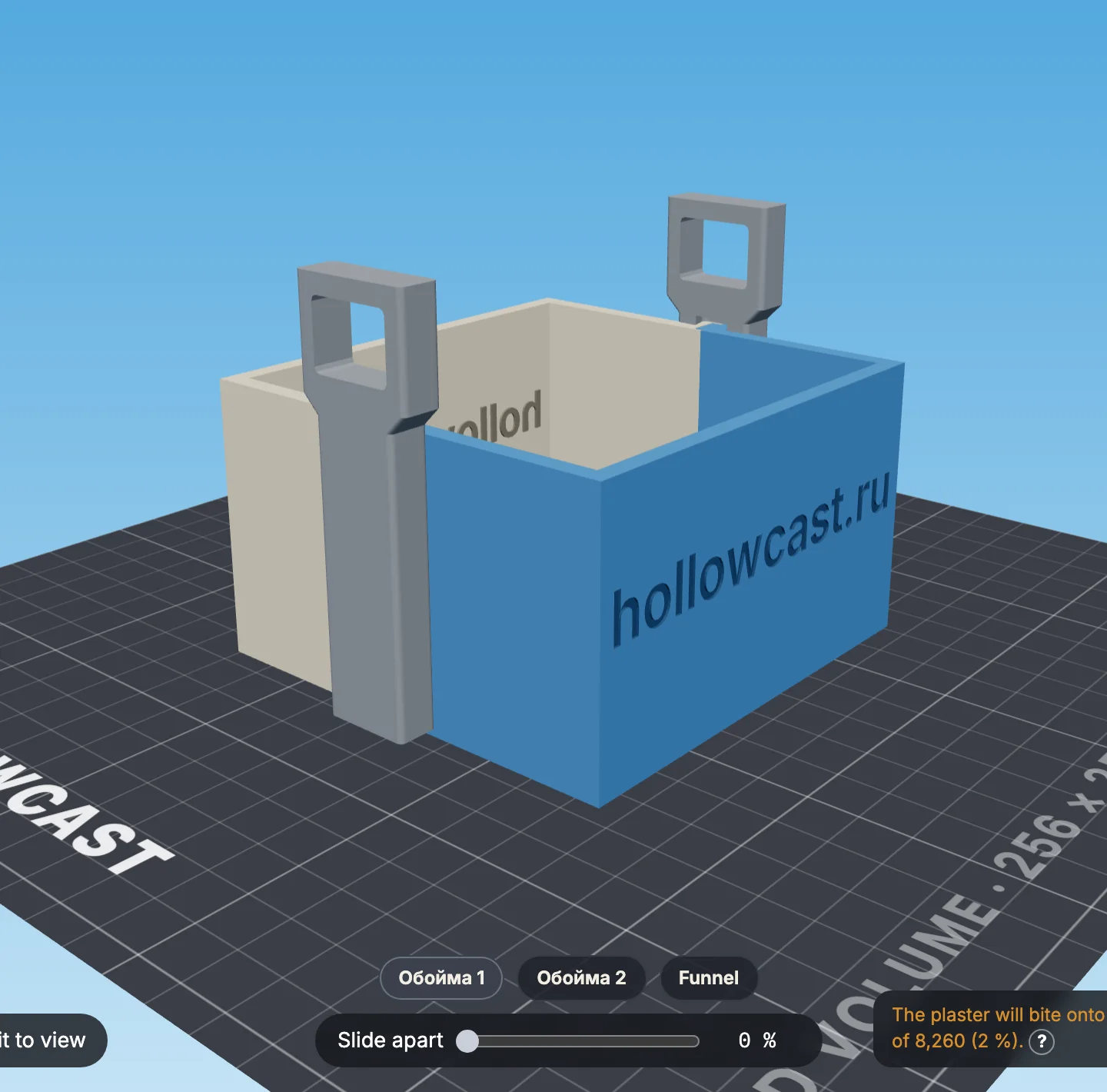
- 1Section formwork: tray and walls
- 2Clamps
- 3Tabs for the mold sections
- 4“Slide apart” — separate the parts
Download the files
STL — a file per part. 3MF — one project for the slicer. The archive includes
print-settings.txtwith the pour weight.
Print the parts the way they lie in the file — don't rotate them. Turn supports on — tree supports.
- 1Funnel
- 2Walls
- 3Tray with the model
| Part | Orientation | Layer | Perimeters | Supports |
|---|---|---|---|---|
| Tray with the model | As in the file | 0.08 mm — its surface becomes the mold | 3 | Tree, strong |
| Walls | As in the file | 0.20 mm | 3 — otherwise plaster seeps through | Tree, slim, from the build plate only |
| Clamps, funnel | As in the file | 0.20 mm | 3 | Tree, slim, from the build plate only |
All slicer settings for the model and the tooling
To cast the plaster mold:
Assemble the formwork
Coat the tray and the inner walls with release agent. Put the walls together, set the tray on the ledge inside and clamp them. Do this for every section.
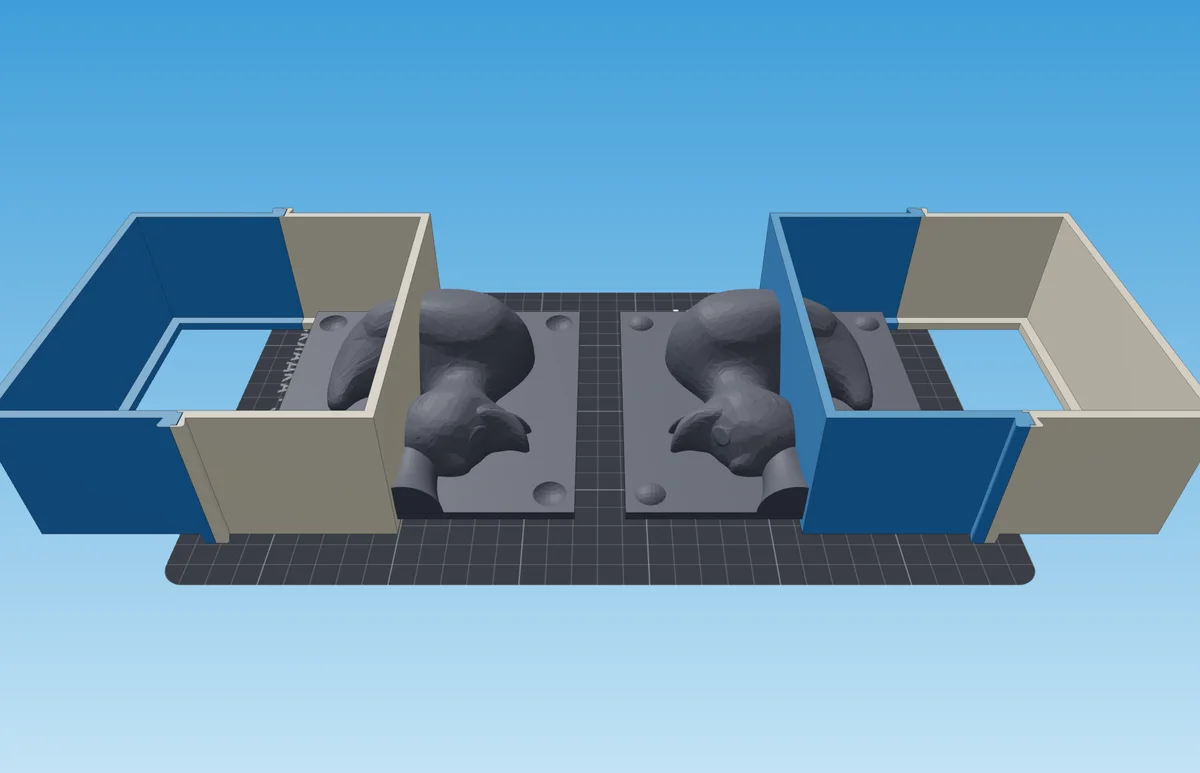
Pour plaster level with the walls
Mix the plaster following the pouring guide, pour a thin stream and tap the table next to it — the bubbles rise.
Strip the formwork
Once the plaster has warmed up and cooled down: pull the clamps up by their tabs, pull the walls apart and lift the block off the tray. Dry the blocks completely — a few days: wet plaster doesn't draw water from the slip.
To cast the piece:
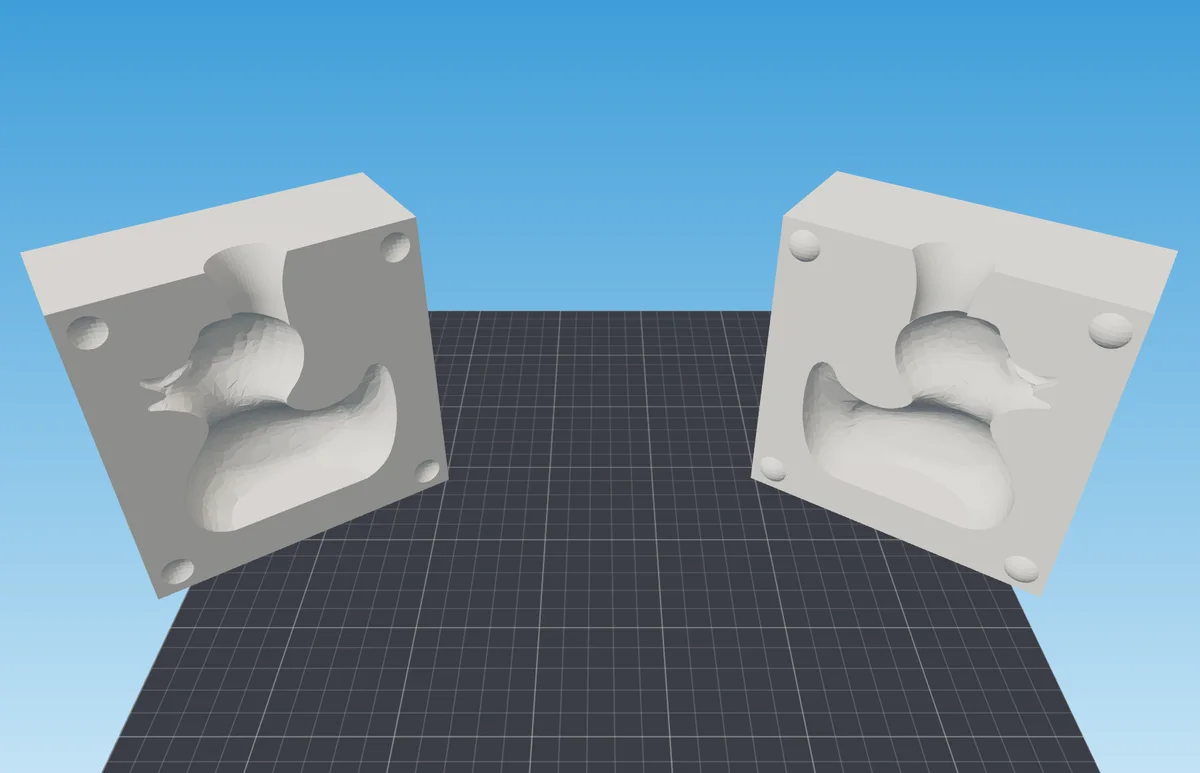
Assemble the mold
Fit the blocks together by their keys and strap them. Put the funnel into the hole on top.
Fill with slip to the top
Keep topping up: the plaster absorbs water and the level drops.
Drain the excess
When the wall reaches 2–4 mm, turn the mold over and drain the slip. Check the thickness by trimming at the hole.
Take out the piece
When the casting pulls away from the walls on its own, open the mold. Dry the mold after every casting.