Casting molds
A casting mold from your own 3D model
Turns your model into a multi-part mold: pour wax, soap, plaster, concrete or resin into it. The file is sent only for the computation and is not stored.
- Input: Model
- Output: 2–9 mold parts
Building a mold and looking it over needs no account. Signing in is only required to download.
What you get
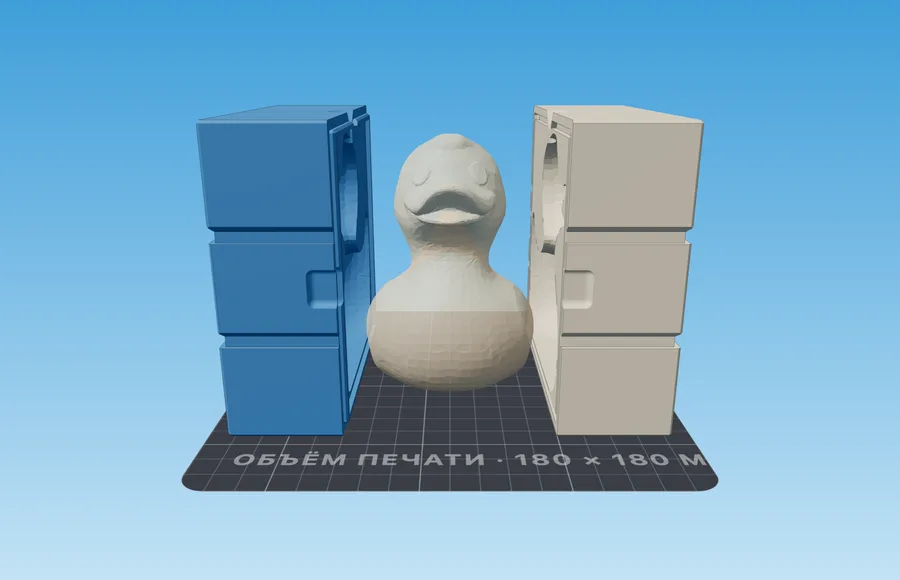
- Two shell halves with a tongue-and-groove frame: they close in register and seal the seam against leaks.
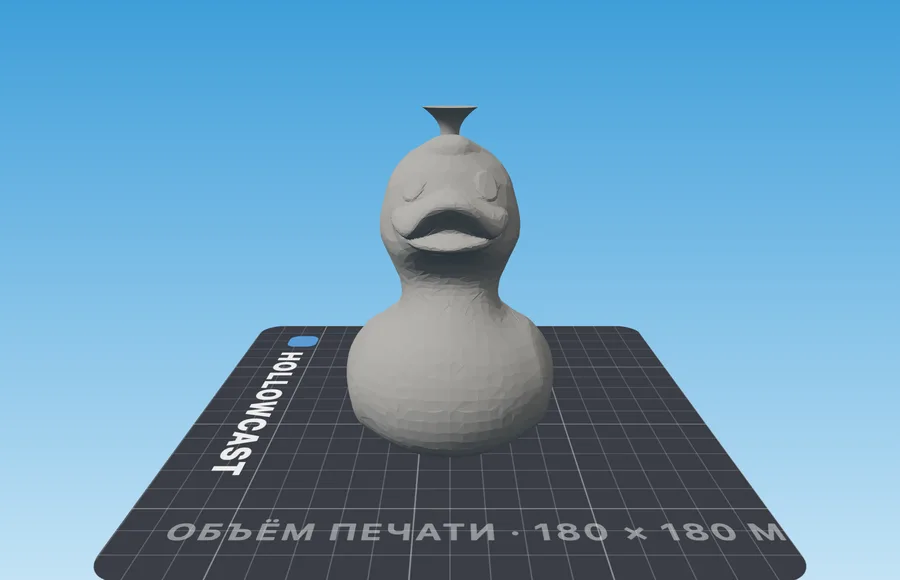
- A pour funnel on top and pry notches on the sides — subtracted from the shell before the cut, so nothing needs fitting.
- Rubber-band grooves around the shell: the panel tells you which band length to buy.
- One STL per part, or a single 3MF where each part is its own coloured object.
How it works
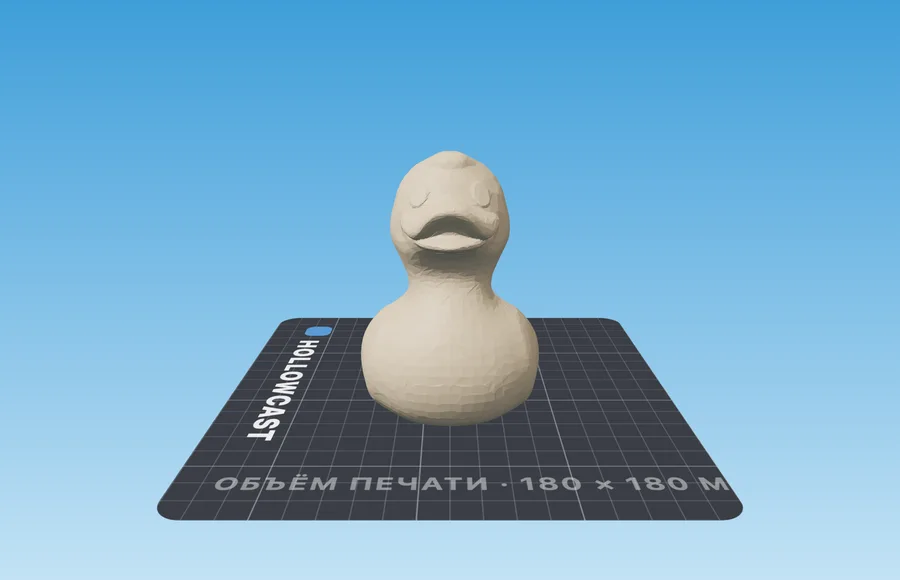
- 1Upload a modelSTL, OBJ or 3MF. The file opens in your browser and goes to the server only for the computation; it is not stored. No model of your own — an example sits right there.
- 2Place the seam and the pour holeThe blue plane in the viewport is the future split: drag and rotate it to move the seam off the model's face. The pour funnel drags along the surface itself.
- 3Download and printBounding size, part count and the weight of one pour are written out next to the 3D view. Downloading needs a sign-in link sent to your email.
Material and process
What to keep in mind before pouring
| Setting | Value | Why |
|---|---|---|
| Wall thickness | 2.5–3.5 mm, from 4 mm for concrete | A thin wall bulges under the weight of the pour |
Slicer settings are the same for every mold and live on their own page: how to print molds
If something went wrong
Symptom, and what to change
- The halves do not close
- Your printer prints tight: fit clearance 0.30 → 0.40 mm.
- The casting will not release
- Undercuts or zero draft: cavity draft → 3°, or 3–4 panels instead of two.
- The mold bulges while pouring
- Wall → 5 mm.
- Bubbles in the casting
- The air has nowhere to go: turn the air vent on and raise the pour hole.
- Small details disappeared
- Master smoothing → 0, quality → fine.
Questions
Good to know
The mold halves do not close — what should I change?
The fit clearance: most printers print tight. Raise 0.30 mm to 0.40 mm and print one test pair.
The casting will not come out of the mold
Usually it is catching on the walls. Set the cavity draft to 3° or split the mold into 3–4 parts.
Does my model go to your server?
It is — but only for the time it takes to compute. We do not store it: no archives, no copies. Until you press the button, the file never leaves your browser.
Related tools