Silicone molds
Silicone mold box
Builds a printable shell around your model: pour silicone into it and you get a reusable mold for wax, soap, resin and concrete. The file is sent only for the computation and is not stored.
- Input: Model
- Output: Formwork, base and clamps
Building a mold and looking it over needs no account. Signing in is only required to download.
What you get
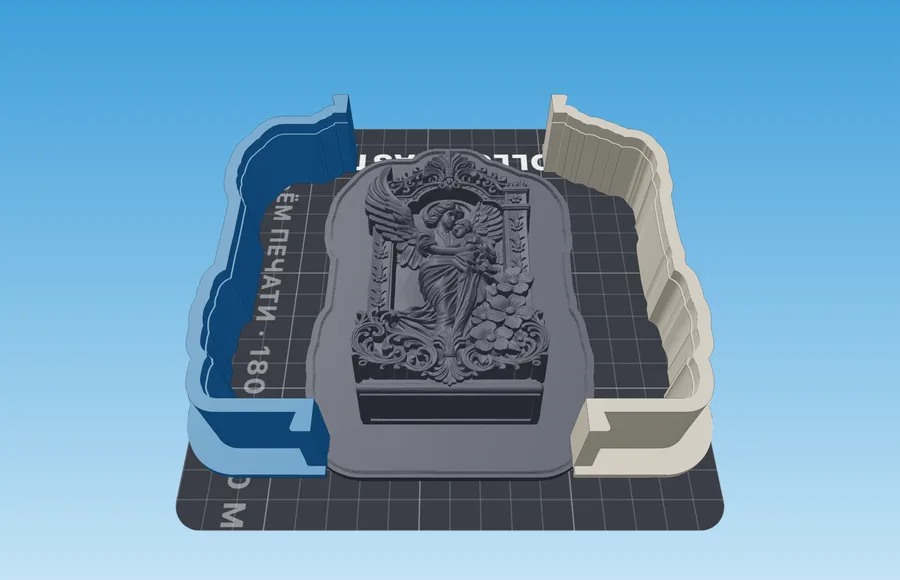
- Formwork around the master — a box, a cylinder or a hugging shell: silicone goes inside it.
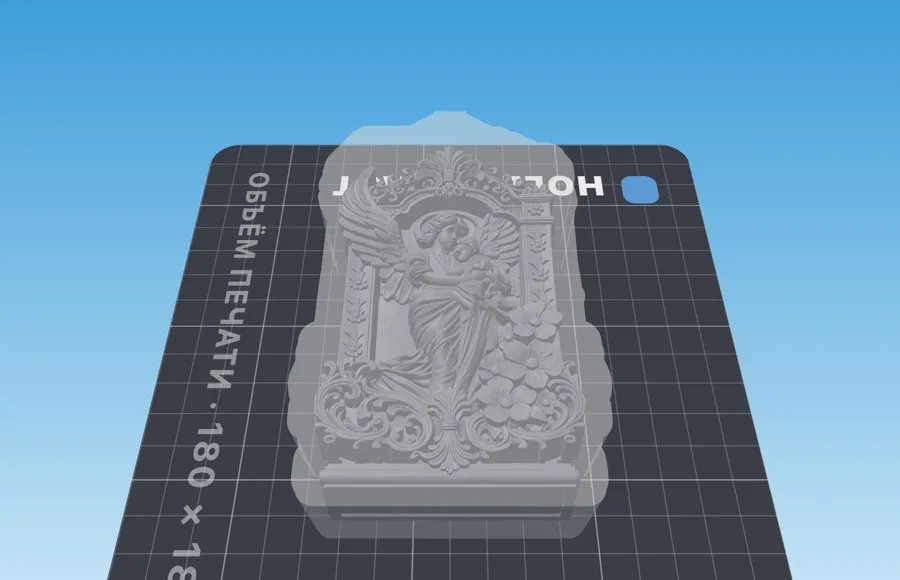
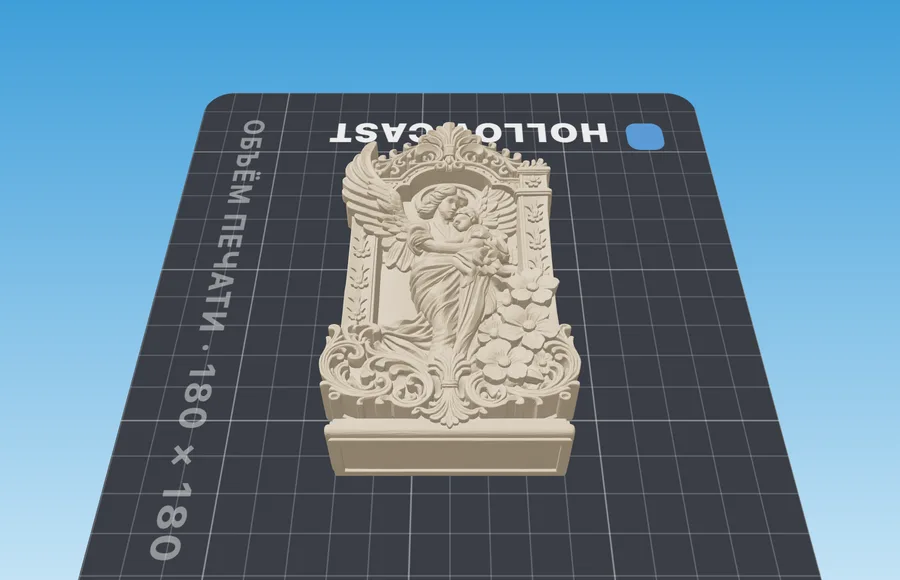
- The master fused to the base: it will not float up in the silicone, and the mold needs no cutting — the master comes out through the opening underneath.
- Printed dovetail clamps for the seams, so you are not holding the shell in G-clamps for a day.
How it works
- 1Upload the masterThe very model you will be casting copies of. The silicone becomes the mold; the printed shell is only formwork.
- 2Set the silicone allowancesContoured has a single layer — Silicone at the sides, 6 mm all around the outline. A box or cylinder takes sides, seam, floor and top separately: 12 mm for small pieces, 15–20 mm for large ones. The panel works out the pour volume, so you can buy the silicone before, not after.
- 3Print, pour, demoldPrint the formwork, snap the clamps on and pour the silicone; you can coat the inside with release agent first. A day later the shell comes apart and the silicone mold is ready.
Material and process
What to keep in mind before pouring
| Setting | Value | Why |
|---|---|---|
| Silicone allowance | 6 mm contoured; for a box 12 mm small, 15–20 mm large | A thin mold tears while demolding, a thick one merely costs more. A box counts the allowance from the bounding box, so the corners come out thicker |
| Master mount | On the base | The master stands sole-down on the plate, leaving an opening in the finished mold — no need to cut it open |
| Mount on a plinth | Narrow sole | A small opening is not enough to peel the mold off: a raised master gets silicone all around it |
| Release agent | Optional, all over the formwork | Platinum silicone sticks to PLA less than tin-cure does, but it still sticks |
Slicer settings are the same for every mold and live on their own page: how to print molds
If something went wrong
Symptom, and what to change
- Silicone crept underneath the master
- That is the peg: its fit has a joint. Mount on the base or on a plinth — a fused master has nowhere to creep.
- The mold tears while demolding
- The silicone wall is thin: no less than 6 mm contoured, 12 mm and up for a box, and no less on the seam than on the sides.
- Bubbles in the silicone
- Pour a thin stream into one corner and let it stand — never stir inside the formwork.
- The clamp will not slide onto the tail
- Printers print oversize: fit clearance → 0.20–0.25 mm, and print one clamp as a test first.
Questions
Good to know
How much silicone goes around the model?
It depends on the formwork shape. Contoured (the default) runs the wall along the model, so 6 mm means 6 mm all around the outline. A box or cylinder counts the allowance from the bounding box: 12 mm suits most figures, above 20 mm you waste material and the mold loses its spring. Below 6 mm the silicone tears while demolding; on the seam, where you cut the mold open, keep at least as much as on the sides.
Which of the parts do I print?
The formwork pieces, the base and the clamps. The model prints together with the base as one part, so it cannot float up in the silicone. It comes out as a separate part only with the peg mount: then you can skip printing it if you already have a physical copy.
How is «Contoured» different from a box?
A box is filled all the way, so you pay for the volume of the whole crate. A contoured shell stands its walls upright around the model's outline as seen from above, at the gap you set; recesses a wall could not slide out of sideways are bridged over instead of followed. It takes less silicone for anything that is not brick-shaped.
Does my model go to your server?
It is — but only for the time it takes to compute. We do not store it: no archives, no copies. Until you press the button, the file never leaves your browser.
Related tools